Powered by AMAROK Electric Fence Systems

Powered by AMAROK Electric Fence Systems
FAQs
Frequently Asked Questions
If you ask yourself a few questions before you move, you can reduce anxiety and clear the picture. Below are some answers to give you peace of mind! Please don't hesitate to contact us if you still have questions.
Book your space online. When you arrive, punch your entry code into the keypad. The gate will open. A sitemap is located to the west as you drive in. Locate your space and park.
Our entry gate is 20 feet wide.
No. There are no height restrictions.
Yes. We do.
We have a secure digital pad access gate, a 10' tall electric fence systen powered by AMAROK, and a 24-hour video camera surveillance system to protect your RV, boat or trailer.
Yes. As long as all your items fit in the designated rented area there is no limit. However, all items must be on axles and wheels.
You can access your RV, Boat or Trailer anytime. All days of the year.
NO. This would breach all our security protocols! You are required to park the vehicle and leave the premises.
Call us at the number provided and we will get back to as soon as possible if we are not available immediately. You can also Contact Us here.
You can update your account information like address, email, phone number or autopay settings by logging in to your WebSelfStorage account here.
For normal non-commercial storage of assets. If using the facility in any commercial manner, you must rent a designated Box Truck & Commercial Usage Space.
You cannot place items on the ground without axles and wheels.
Call (405) 921-6311 to notify the facility when ready to vacate and we will take care of the rest.
Location Address
5213 NW 10th Street
Oklahoma City, OK 73127
Phone
Access Hours
24 Hours - 7 days a week
We are fully automated. Call or contact us for any assistance.
Features


Download the Spider Keypad App
The Spider keypad app allows you to bypass the physical keypad at the gate and access our facility via the app. Once the app is downloaded, plug in 618 to access the OKC Pro Storage facility. Or download it directly to your mobile device with Text2App and follow the instructions.
Still Have Questions?
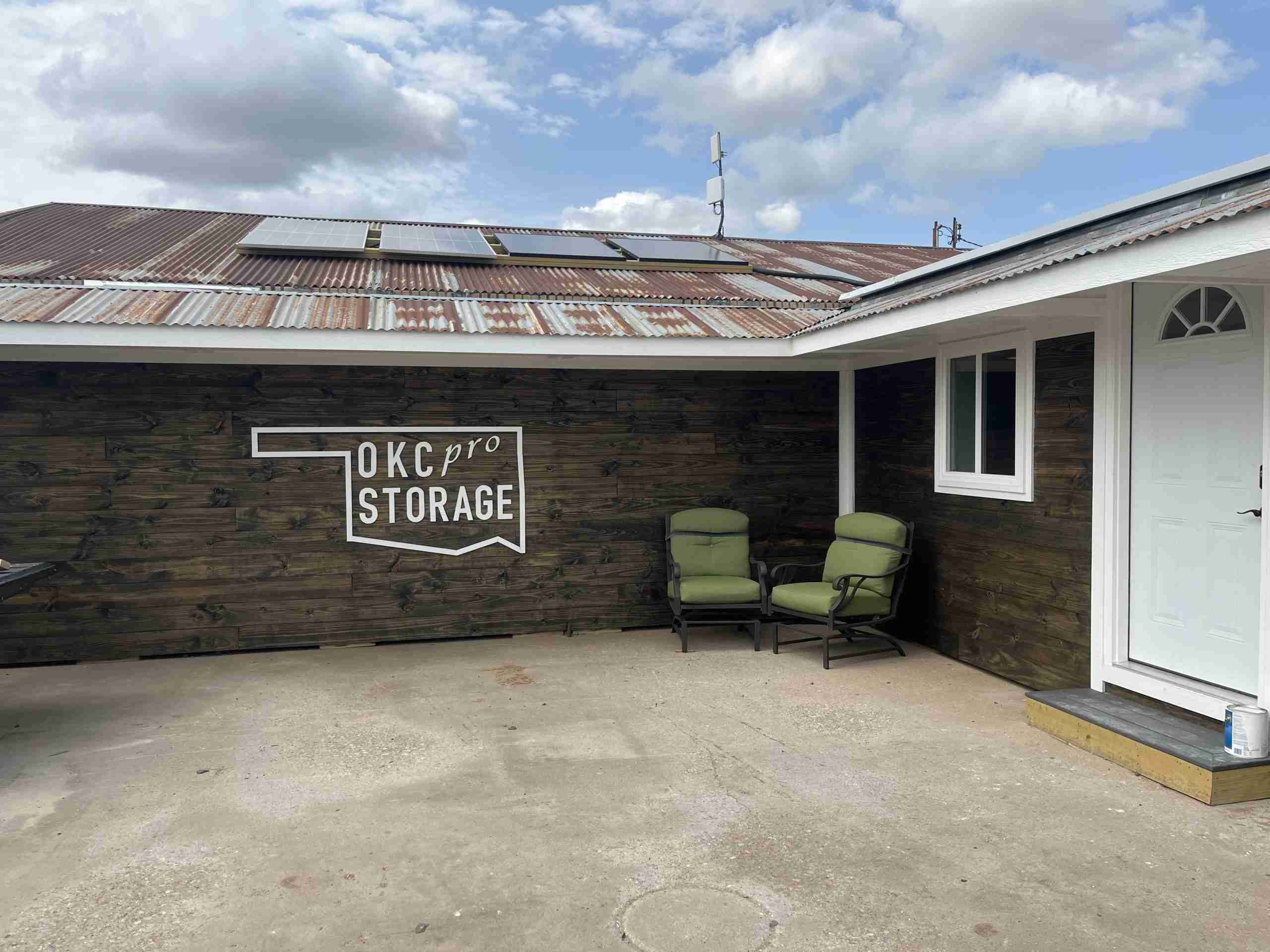
If you need more information or still have questions, call us at (405) 921-6311.
© 2023 OKC Pro Storage | Privacy Policy